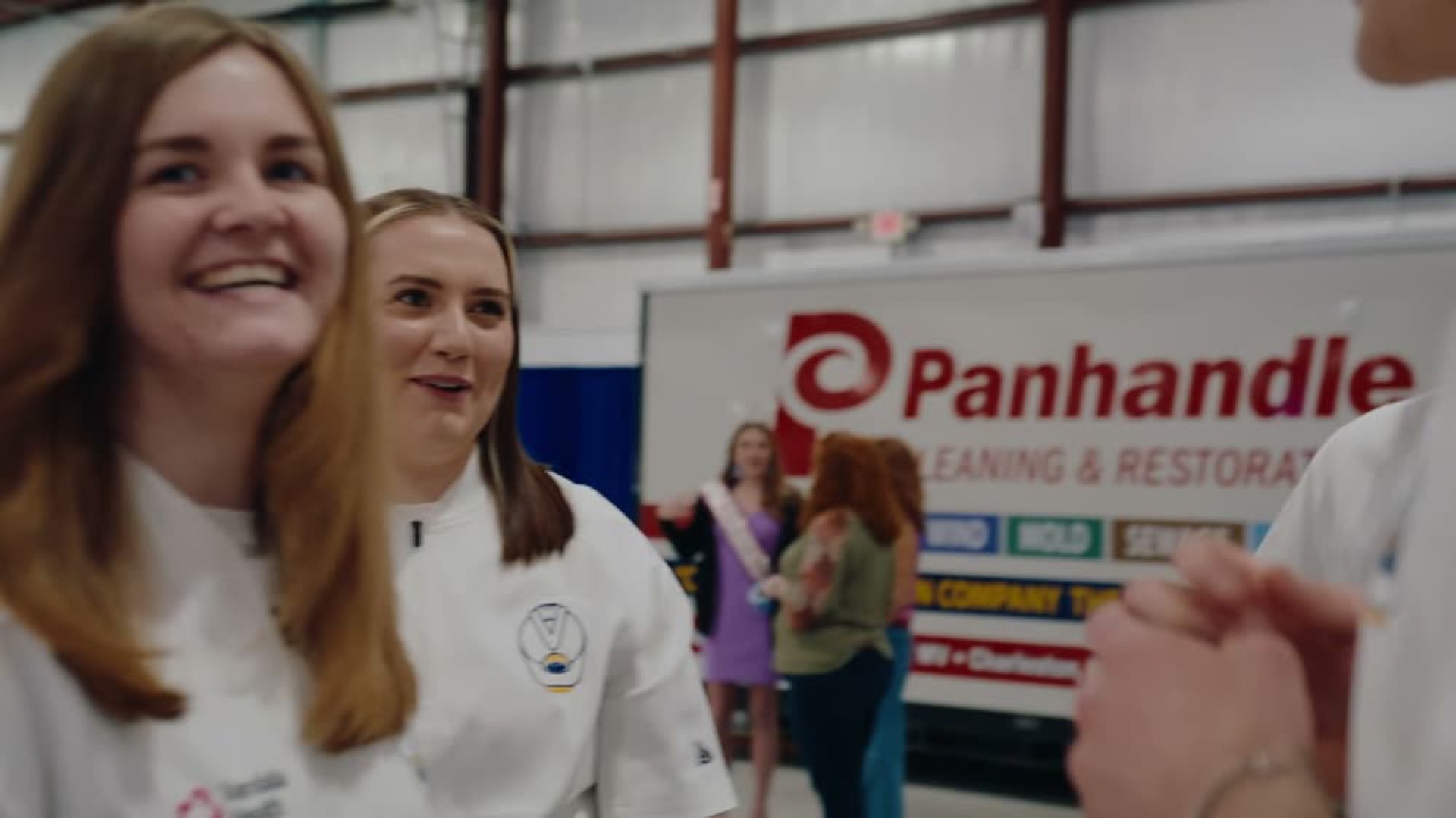
They look great, they get applause in the comments, and then nothing happens. No new donors, no follow-up momentum, nothing.
That's the problem I want to solve today: how to make your event recaps work harder for you.
1. Start with the story
Pretty shots mean nothing if they don't tie into a bigger story.
Ask "what's this event for?" to uncover the "why does this exist?"
The story is usually baked into that why: maybe you're honoring a founder, maybe you're fighting an injustice, maybe you're rallying people around a problem that needs solving.
People don't connect with surface-level movements. They connect with stories that resonate.
2. Know who the video is for
Not every recap is meant for the public.
- If it's a staff conference, show it in the room, add some testimonials, and email the people who came afterward.
- If it's an outreach fundraiser, that's where you go public: social, website, personal follow-ups.
When you send an internal recap to outsiders, it can look like bragging. But when you keep it pointed at the right people, it builds trust instead of confusion.
3. Send it where people will actually watch it
Social media isn't the only place a recap can go. It's just the easiest one.
But easy isn't effective.
For most nonprofits, email is still your workhorse. You already have a list. Use it.
Pair that with in-room playback, volunteer groups, even personal touchpoints for major donors.
Think about it from their shoes: where am I most likely to watch and respond? That's where your recap should go first.
4. How can you reuse one recap video in many places?
Don't let your recap die after one post. One event can fuel months of communication:
- Turn your recap into a text or email link to the people who came.
- Slice 15-second social highlights.
- Add b-roll to your website header.
- Use photos in your annual report.
- Drop clips into board updates.
If you're not pulling at least 3 to 5 usable pieces from a recap, you left value on the table.
5. Know what a good recap package includes
Here's the baseline I recommend, and what we deliver:
- A 60-second recap video. Short enough to keep attention, long enough to tell a complete story.
- Three 15-second highlights. Built for social snippets.
- 40 curated photos. Not 500 raw files. Just the best, ready to use.
This package covers your bases without overwhelming your team.
Here is the short version
Stop settling for montages. A recap that works is story, plus knowing who it is for, plus real distribution, plus repurposing, plus the right package.
It's not about "looking nice." It's about what it gives back to the mission.
So here's my question for you: what's the story behind your next event, and who most needs to see it?